YouGooDai
Mobile of the Day

YouGooDai

5.0 FREE
  • Screenshot 1
  • Screenshot 2
  • Screenshot 3
  • Screenshot 4
  • Screenshot 5
  • Screenshot 6
  • Screenshot 7

Description

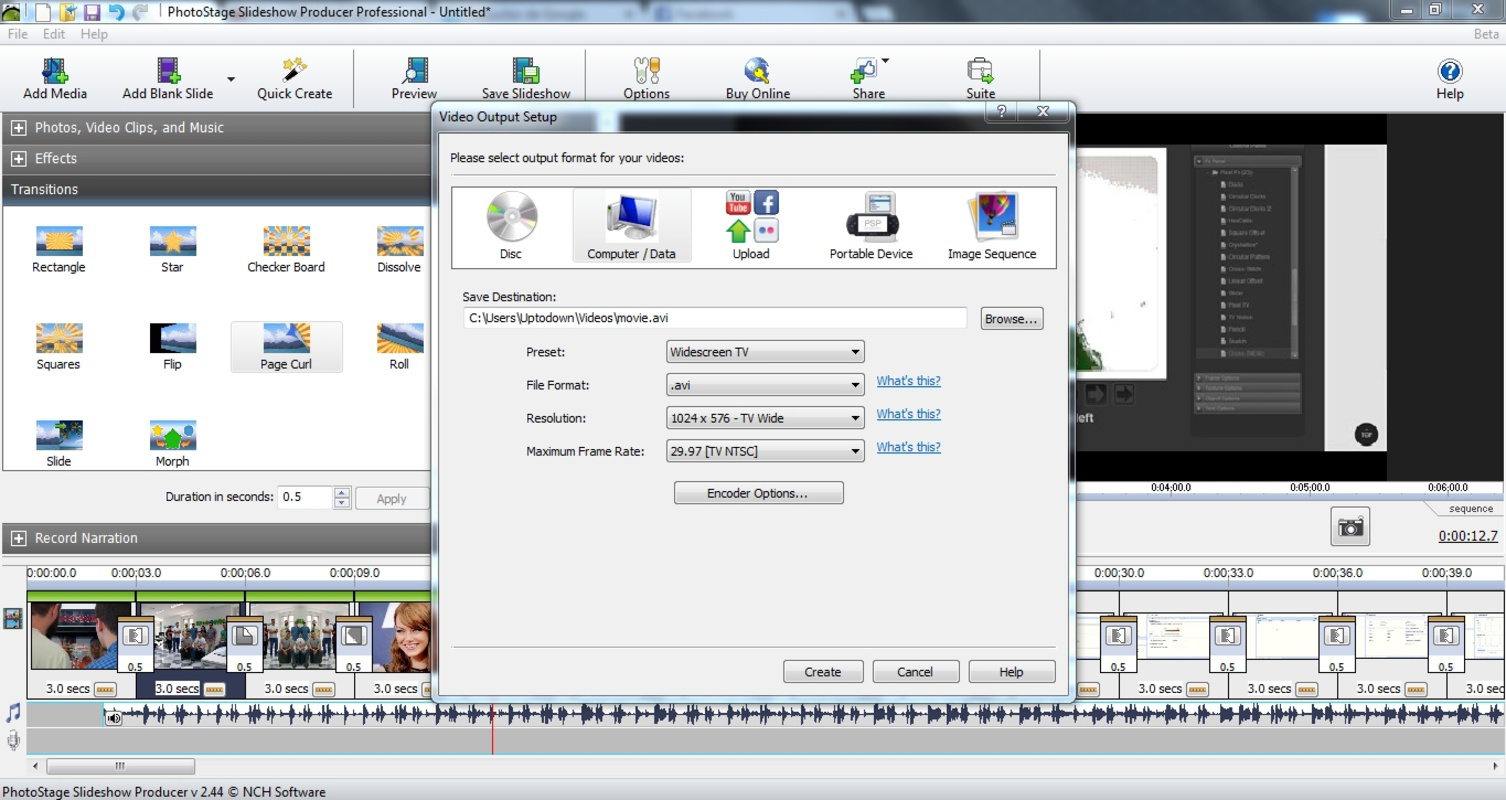
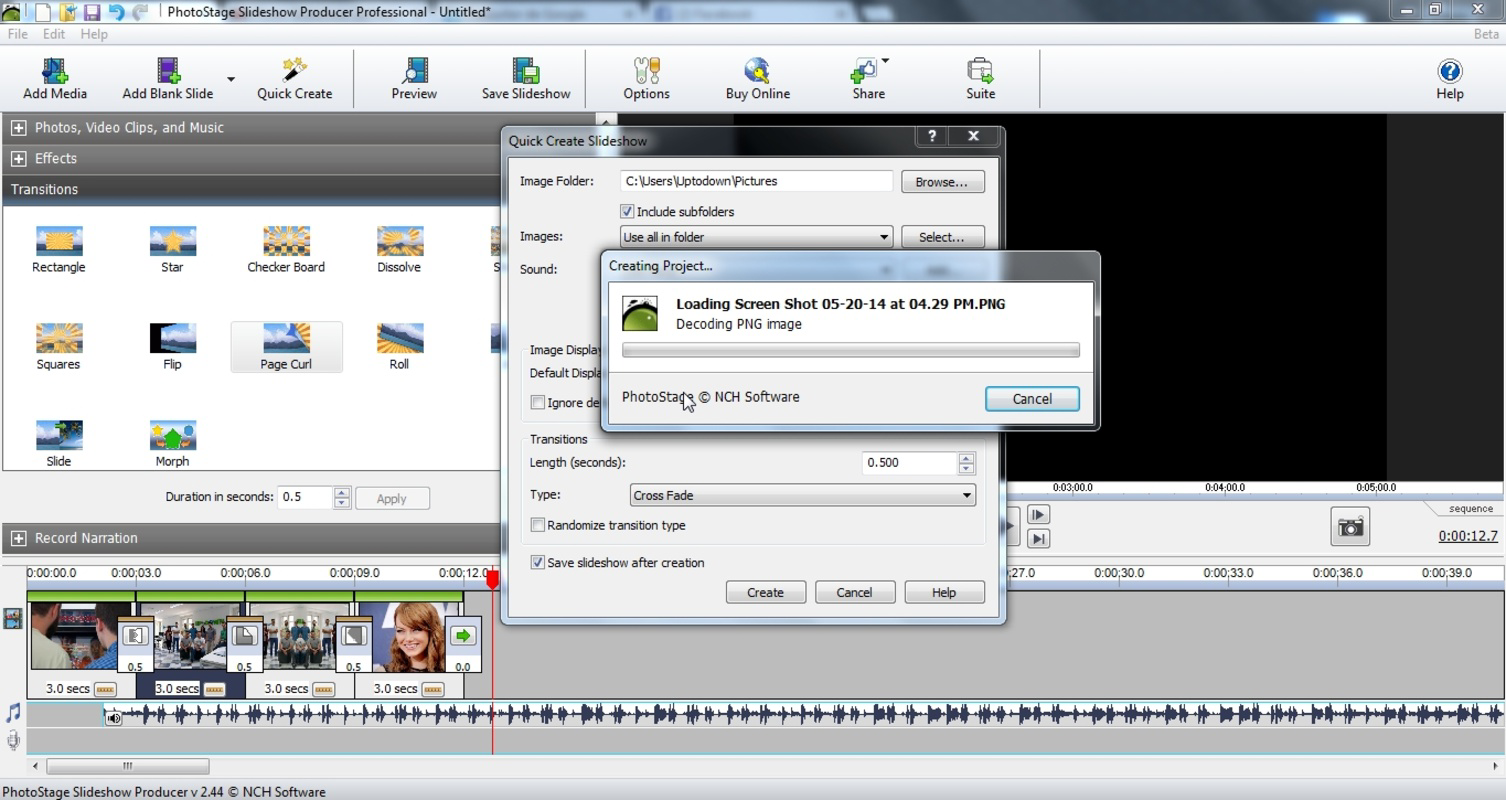
About PhotoStage Free Slideshow MakerPhotoStage Free Slideshow Maker is a user-friendly software that allows you to create stunning slideshows from your photos and videos effortlessly. With its intuitive interface, you can choose pictures, transitions, and even add audio to your compilation. The ability to customize slideshows for various devices like smartphones, PCs, and DVDs makes it a versatile choice for any user. Add your personal touch with effects, narration, and adjustable settings, making each slideshow unique. Features of PhotoStage Free Slideshow Maker - User-Friendly Interface: PhotoStage features an intuitive layout that guides users through the slideshow creation process. This simplicity allows anyone, regardless of tech-savviness, to easily navigate the software and produce impressive slideshows without frustration. - Customizable Transitions: Select from a variety of transition effects to enhance your slideshow. Users can adjust the length of each transition and photo, ensuring that the presentation flows smoothly and meets their personal preferences. - Audio Integration: Spice up your slideshows by adding music or narration. With the option to insert audio tracks, you can bring your images to life and create an emotional connection with viewers, making your slideshow more engaging. - Multi-Device Compatibility: Once you've created your slideshow, it can be easily exported for playback on various devices. Whether it's a smartphone, PSP, DVD, Mac, or PC, PhotoStage ensures that your slideshows are accessible wherever you need them. - Advanced Customization Options: Beyond basic slide creation, PhotoStage offers advanced settings allowing users to modify effects, add comments, and narrate stories. This level of customization makes it possible to personalize each project to fit your specific storytelling needs. Release Date of PhotoStage Free Slideshow Maker 2022-04-08Reviewed by Jason K. MenardShow MoreShow Less

Guides & Tutorials for PhotoStage Free Slideshow Maker

How to install PhotoStage Free Slideshow Maker
  1. Click the Preview / Download button above.
  2. Once redirected, accept the terms and click Install.
  3. Wait for the PhotoStage Free Slideshow Maker download to finish on your device.
How to use PhotoStage Free Slideshow Maker

This software is primarily used for its core features described above. Open the app after installation to explore its capabilities.

User Reviews for PhotoStage Free Slideshow Maker 0

    No reviews found

Similar Apps
